








Cities of Wellbeing Global
From seed-stage startup communities to full-fledged Cities of Wellbeing, we’re on a mission to bring scalable, community-led mental health support to the world. Our impact map is growing, and we need your help to turn your city into the next City of Wellbeing. Click a location to learn more.
Get Involved


Testimonials
Our global community of schools, corporations, and professionals have been positively impacted and transformed by our programs. Hear what they have to say about the power of Tier 1 mental health support in their lives.
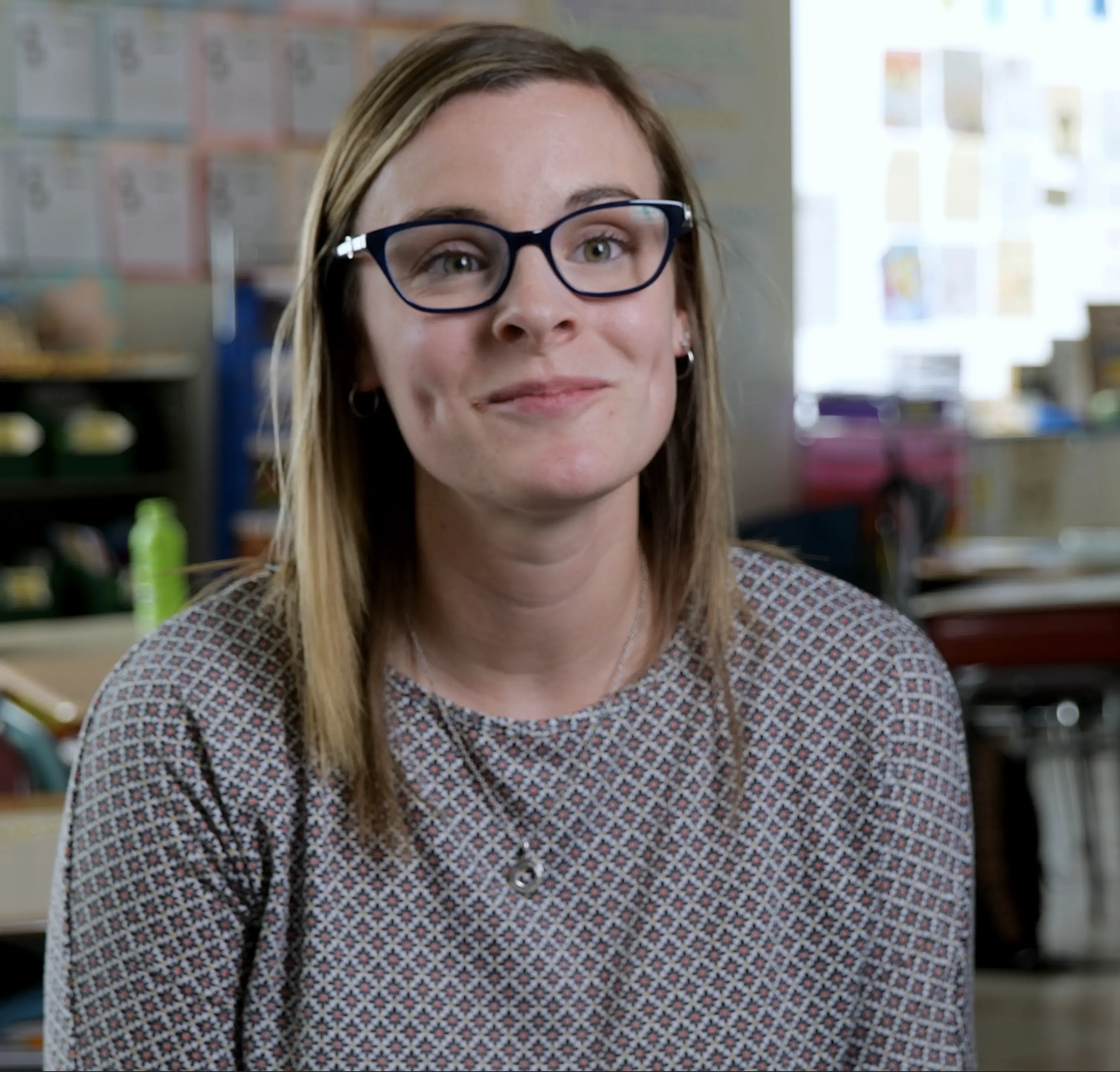
Shelby Crane
Grade 3 Teacher, Henry Lord School, Fall River, Connecticut
Contentment for Schools"The original rollout last year was we focused our team on the Mindfulness Pillar. After well all completed the training, we were just amazed. We kept saying that it was like self-therapy for us. We loved it for ourselves, and it gave us strategies for when we're here at school or in our home lives. I love this program. It's been truly a game-changer for everyone, it really has. We start our day with it, start our afternoon with it, and it really sets us up for success. I've gotten a lot of academic time back without needing to handle any behavior issues. I can't thank you enough for putting this program together, beause it's been phenomenal!"
"The original rollout last year was we focused our team on the Mindfulness Pillar. After well all completed the training, we were just amazed. We kept saying that it was like self-therapy for us. We loved it for ourselves, and it gave us strategies for when we're here at school or in our home lives. I love this program. It's been truly a game-changer for everyone, it really has. We start our day with it, start our afternoon with it, and it really sets us up for success. I've gotten a lot of academic time back without needing to handle any behavior issues. I can't thank you enough for putting this program together, beause it's been phenomenal!"
Read more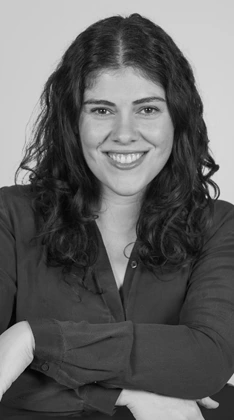
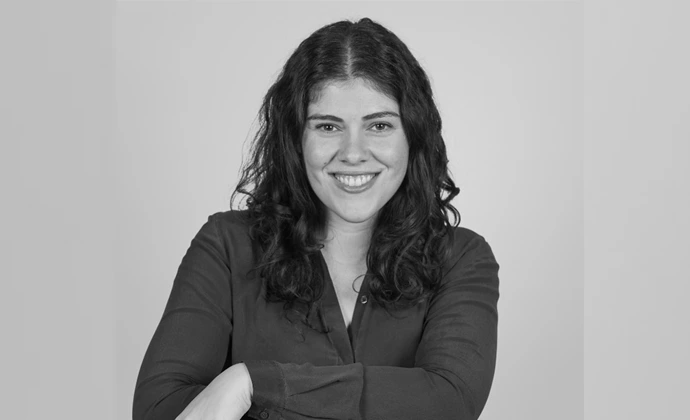
Evangelia Vasileiou
Global Manager Associate Development at Ahold Delhaize
Contentment for Business"Our partnership with the Contentment Foundation has been a transformative step in our journey to foster psychological safety across our organization. Through our collaboration, our leaders are getting equipped with practical tools, knowledge, and solutions to navigate the complexities of creating a safe and thriving working environment where everyone grows. Together, we're empowering our teams to embrace a culture of openness and trust, demonstrating that with commitment and the right guidance, achieving psychological safety is not just a goal but a reality."
"Our partnership with the Contentment Foundation has been a transformative step in our journey to foster psychological safety across our organization. Through our collaboration, our leaders are getting equipped with practical tools, knowledge, and solutions to navigate the complexities of creating a safe and thriving working environment where everyone grows. Together, we're empowering our teams to embrace a culture of openness and trust, demonstrating that with commitment and the right guidance, achieving psychological safety is not just a goal but a reality."
Read more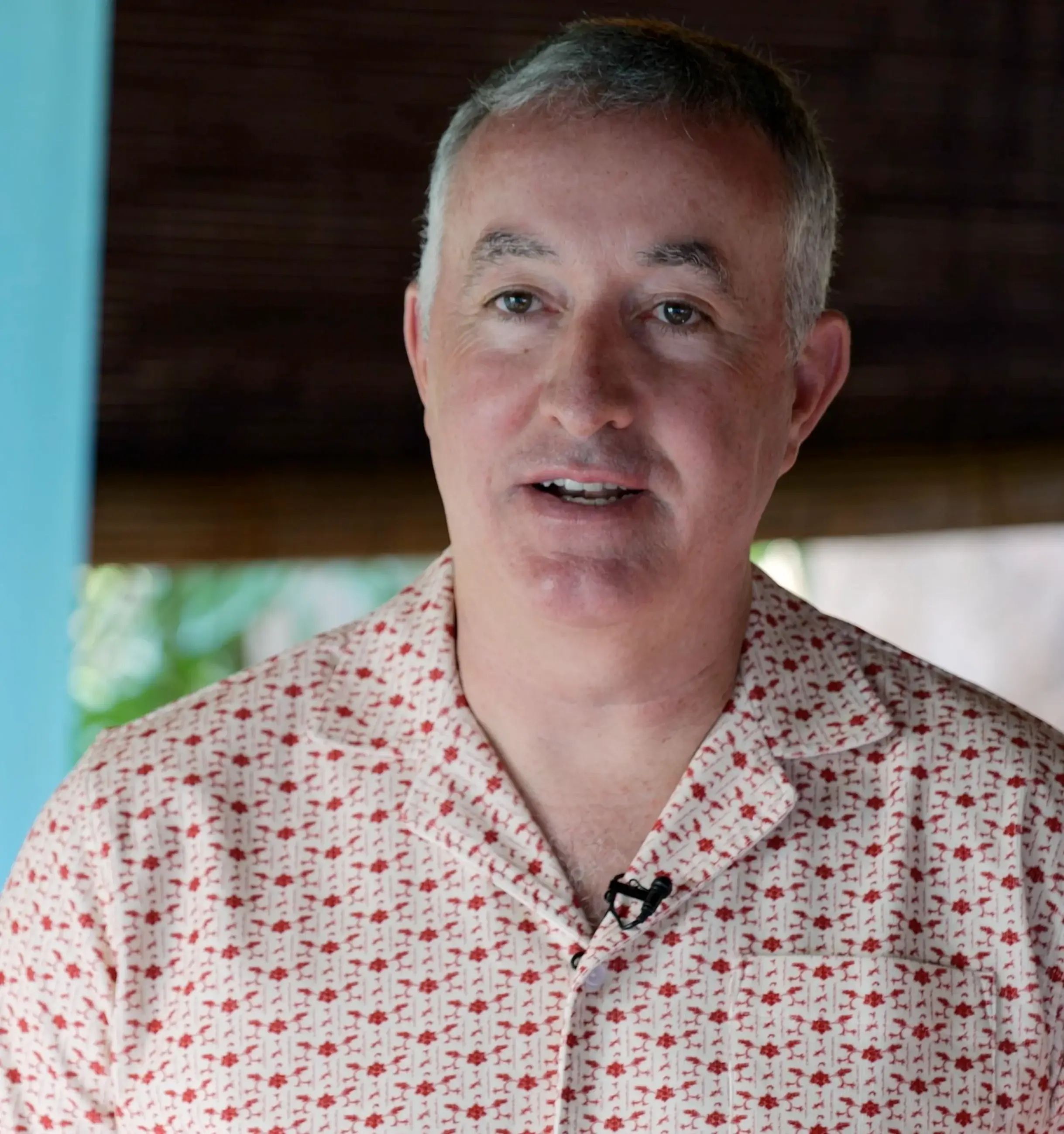
Emmet Keeffe III
Founder of Insight IGNITE & Contentment Foundation Chairman
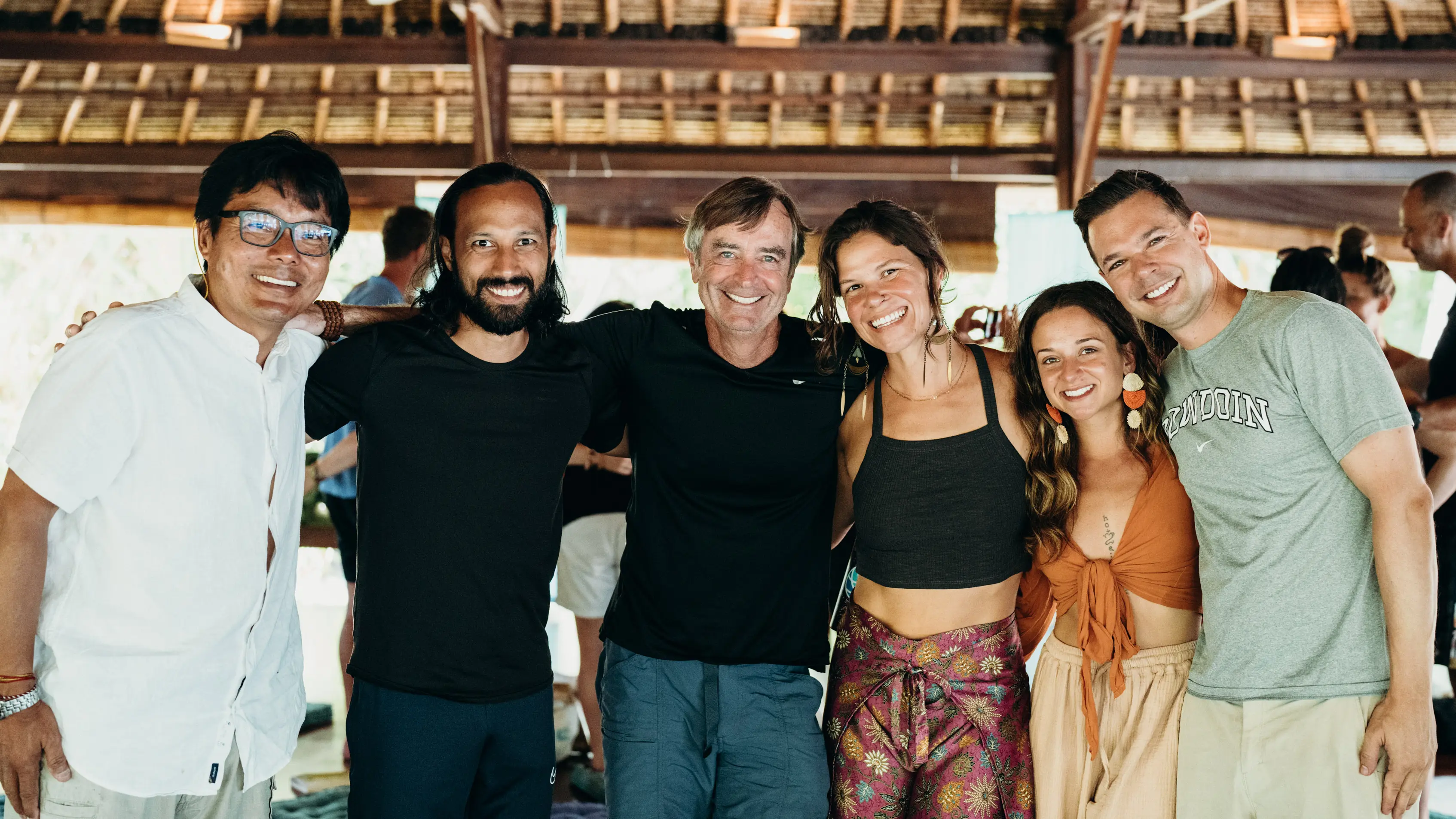
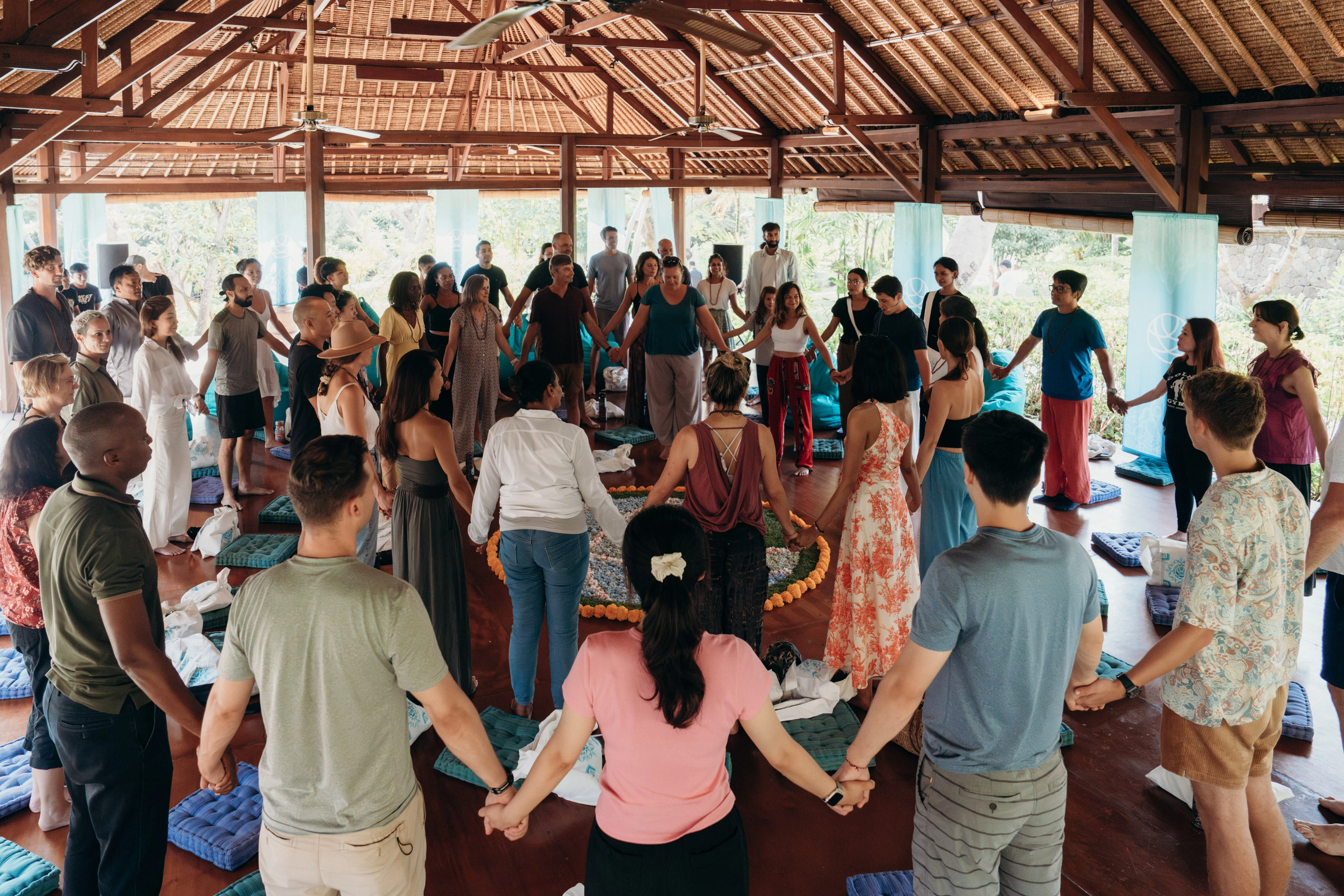
Global Wellness Network"This is the sixth time I've been through the curriculum, and I'm truly blown away by the impact that it has on the community here every single time. One of the things that really hit me is that to be sustainabily mentally well, you have to be in a community. There's power to being in a community. What we did over the last five days here in Bali was that we all shared with each other - what are we wrestling with? What are our biggest fears? What are our anxieties? What are we stuck on? With this community, you can really openly talk about those things, which is transformative. Really at the core of what we do is form community, so we can talk openly about what you're struggling with in any moment."
"This is the sixth time I've been through the curriculum, and I'm truly blown away by the impact that it has on the community here every single time. One of the things that really hit me is that to be sustainabily mentally well, you have to be in a community. There's power to being in a community. What we did over the last five days here in Bali was that we all shared with each other - what are we wrestling with? What are our biggest fears? What are our anxieties? What are we stuck on? With this community, you can really openly talk about those things, which is transformative. Really at the core of what we do is form community, so we can talk openly about what you're struggling with in any moment."
Read more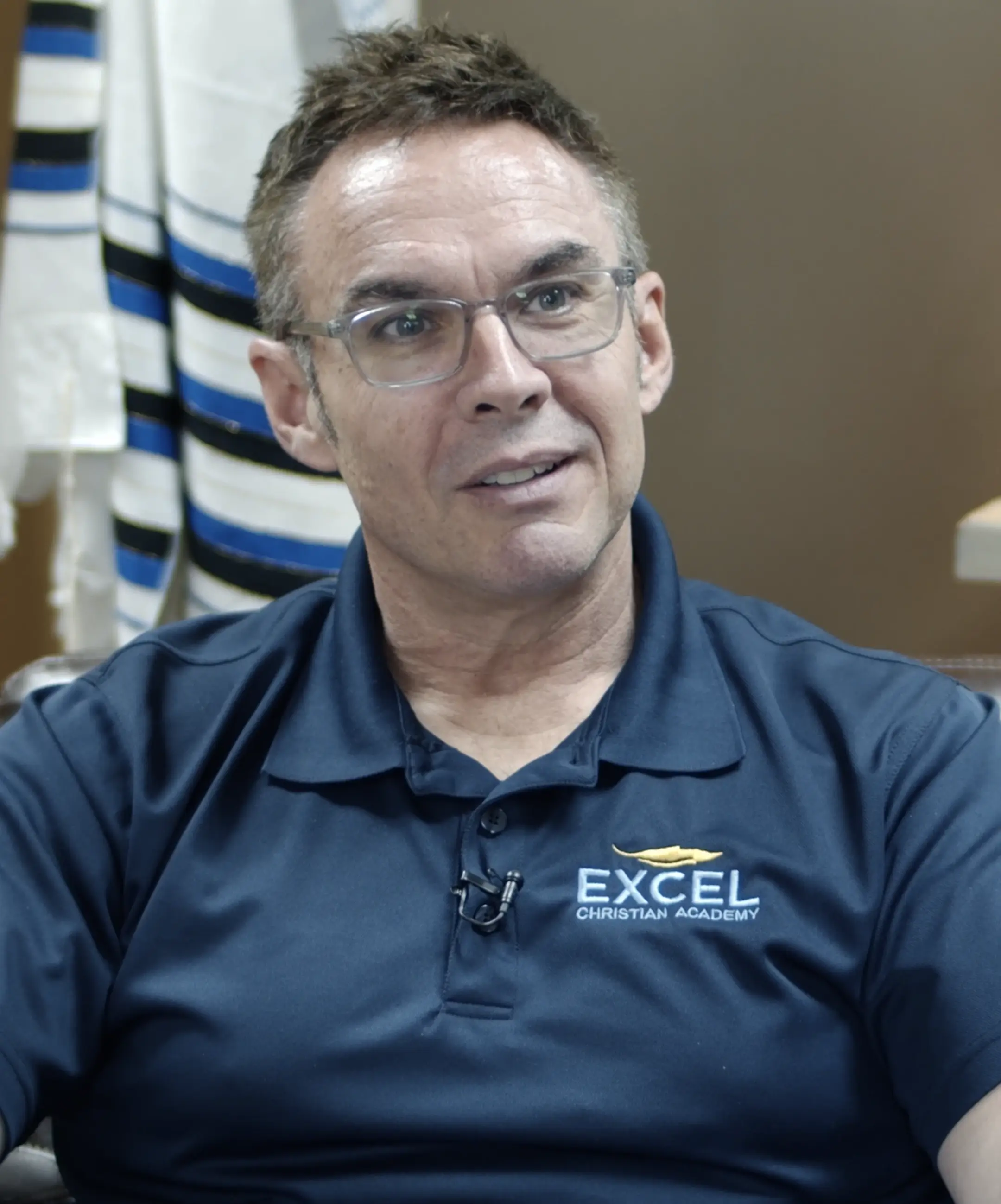
Pastor Scott Thomas
Chairman of the Board at Excel Christian Academy, Lakeland, Florida
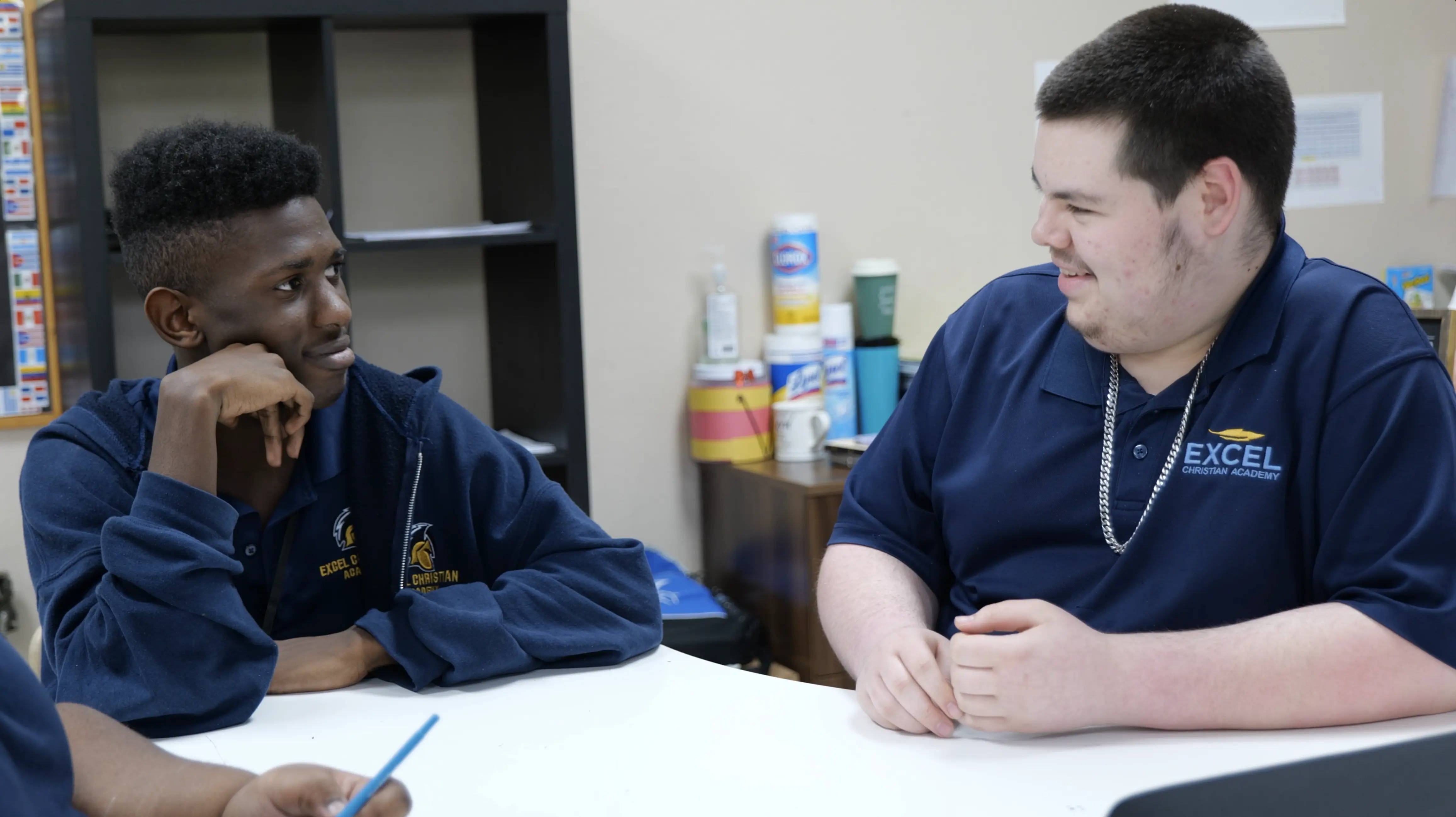
Contentment for Schools"We began to connect the core values of our school with the values taught inside of the Contentment Foundation's program. Values such as generosity, growth, excellence, honor, diversity, creativity, gratitude. These are major pillars for what we built our school on. Our kids need to learn these if they're going to have successful futures. This is not just something that we're putting in the classroom to supplement. This becomes foundational for every arena of life."
"We began to connect the core values of our school with the values taught inside of the Contentment Foundation's program. Values such as generosity, growth, excellence, honor, diversity, creativity, gratitude. These are major pillars for what we built our school on. Our kids need to learn these if they're going to have successful futures. This is not just something that we're putting in the classroom to supplement. This becomes foundational for every arena of life."
Read more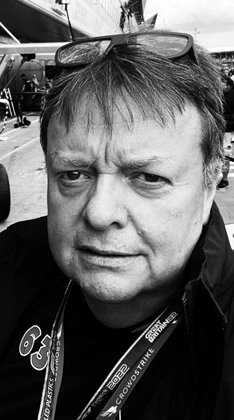

Charles Saunders
Vice President of Global Motorsport Partnerships & Brand Experience
at CrowdStrike
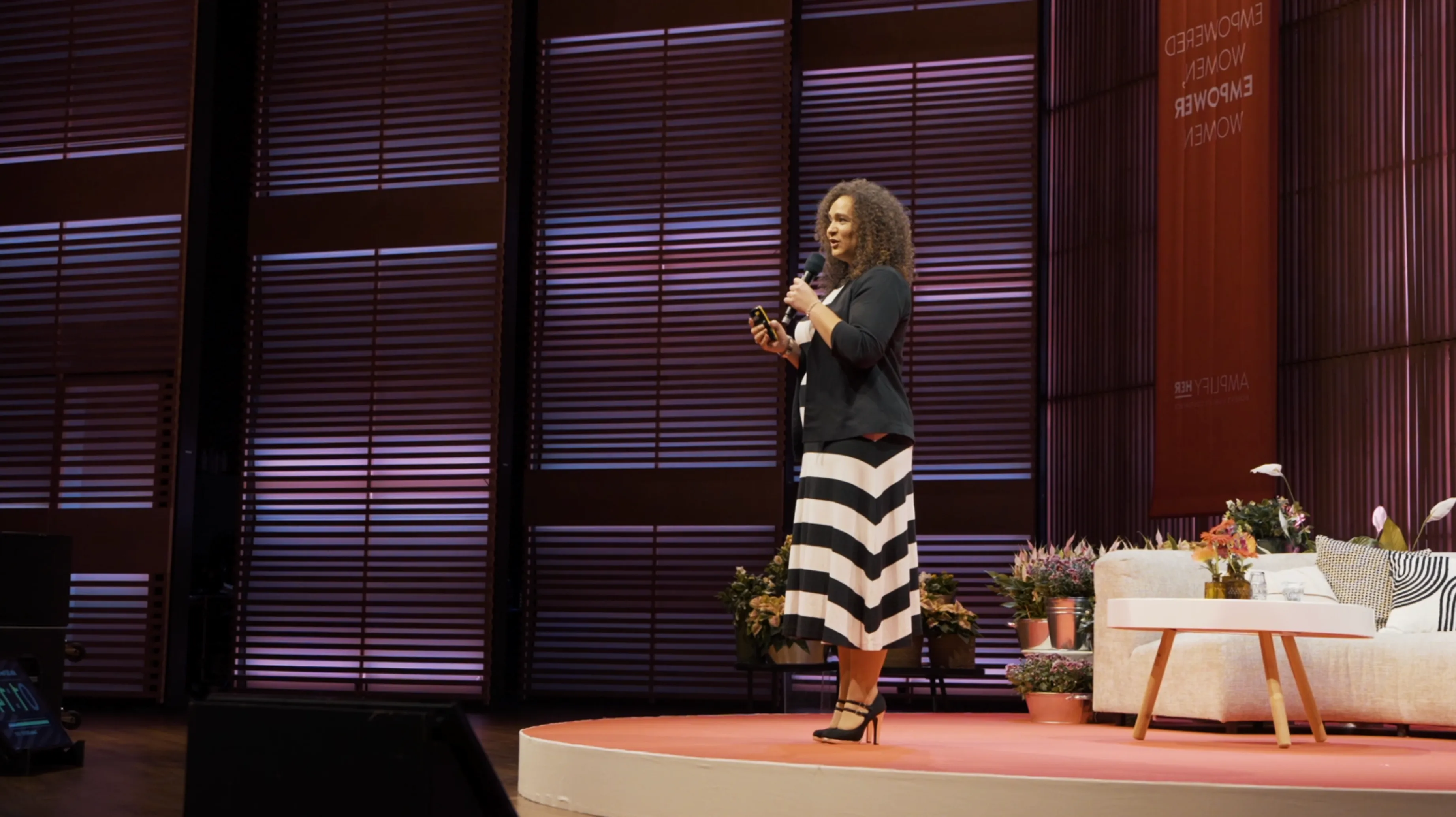
"Working with Dr. Marcia Goddard and the Contentment for Business team was an absolute game-changer for our motorsport partnership team. Dr. Goddard’s deep understanding of neuroscience and its practical application to enhance performance management is simply remarkable. Her insights were invaluable and led to the development of some very engaging and thought-provoking content. Dr. Goddard is not just a consultant; she is a visionary who brings a unique blend of expertise and passion to the table, making a tangible difference to how we view performance management. I highly recommend Contentment for Business to anyone seeking to optimize and excel in their professional endeavors."
"Working with Dr. Marcia Goddard and the Contentment for Business team was an absolute game-changer for our motorsport partnership team. Dr. Goddard’s deep understanding of neuroscience and its practical application to enhance performance management is simply remarkable. Her insights were invaluable and led to the development of some very engaging and thought-provoking content. Dr. Goddard is not just a consultant; she is a visionary who brings a unique blend of expertise and passion to the table, making a tangible difference to how we view performance management. I highly recommend Contentment for Business to anyone seeking to optimize and excel in their professional endeavors."
Read more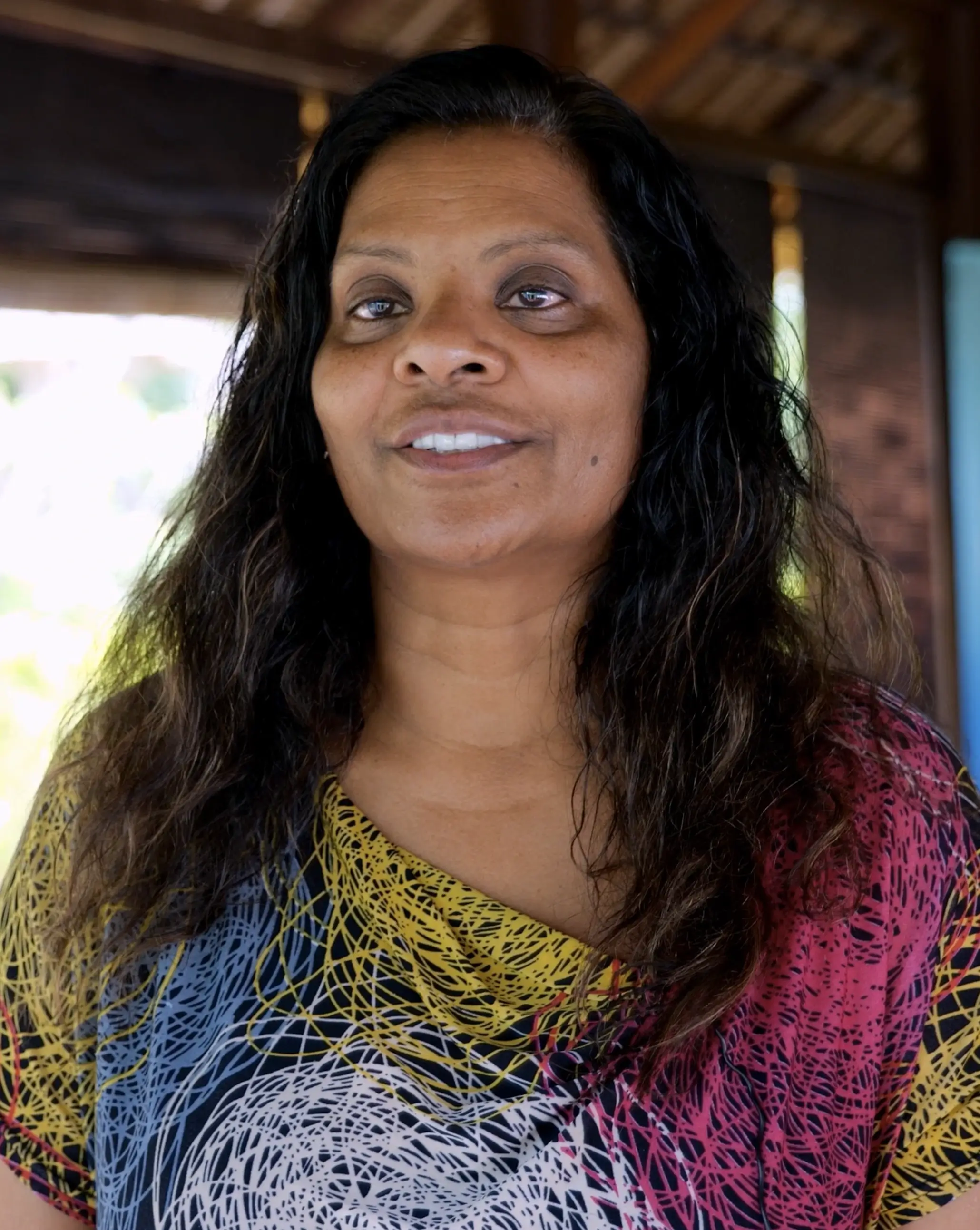
Shamla Naidoo, J.D.
Head of Cloud Strategy & Innovation at Netskope
Global Wellness Network"This retreat is unique, because I felt like it took care of my spiritual well-being, my physical well-being, my emotional well-being. And it brought together so many different characteristics and different specialties to make this a very rich, rewarding, but a complete and holistic experience. If this curriculum were offered more broadly and everyone had the same experience, it would just create more resilient, more healthy, more happy, more content humans. We need that. This work is going to just continue to accelerate and make the world a better place."
"This retreat is unique, because I felt like it took care of my spiritual well-being, my physical well-being, my emotional well-being. And it brought together so many different characteristics and different specialties to make this a very rich, rewarding, but a complete and holistic experience. If this curriculum were offered more broadly and everyone had the same experience, it would just create more resilient, more healthy, more happy, more content humans. We need that. This work is going to just continue to accelerate and make the world a better place."
Read more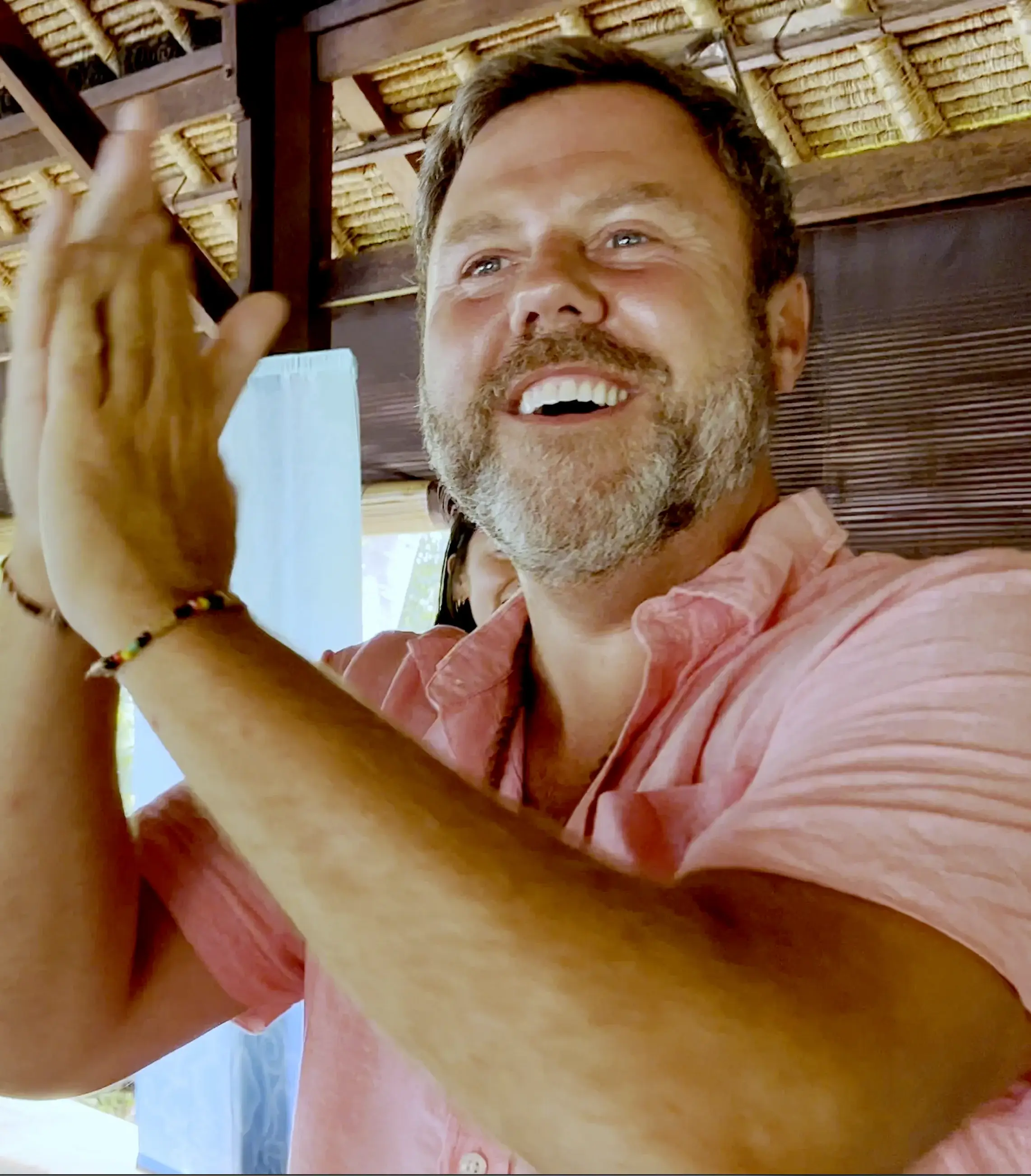
Craig McIntosh
Co-Founder & CEO at Trendi
Global Wellness Network"This is a community that I've always dreamt about being a part of. I don't have a deep family, but this week, one was created, and now I feel that I have a family for forever. If I've learned anything from this experience that it's absolutely going to take a community to fix this world. We need your superpowers. We need your brain. We need what you have. Because there's a part of this puzzle that can't do it without you. Be brave. Come through those insecurities, come around the table with us, and let's create solutions together. Every pillar of it!"
"This is a community that I've always dreamt about being a part of. I don't have a deep family, but this week, one was created, and now I feel that I have a family for forever. If I've learned anything from this experience that it's absolutely going to take a community to fix this world. We need your superpowers. We need your brain. We need what you have. Because there's a part of this puzzle that can't do it without you. Be brave. Come through those insecurities, come around the table with us, and let's create solutions together. Every pillar of it!"
Read more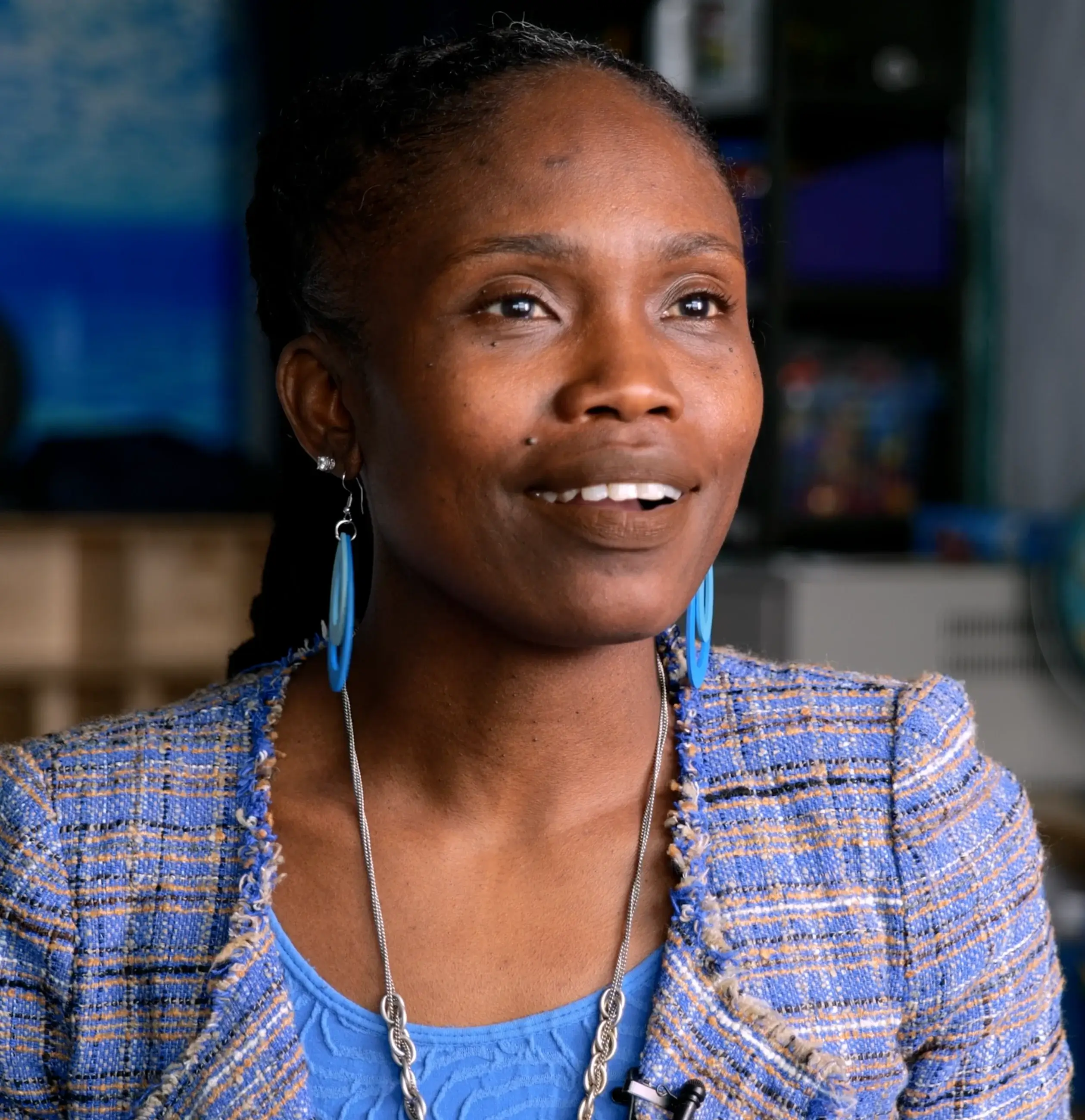
Denise Doris-Brown
School Social Worker/SEL Lead at P.S./M.S. 124, Queens, NYC
Contentment for Schools"You know, there have been students who have been down, overwhelmed, stressed, or anxious about a test, or maybe something going on in their families... The other day, a child was crying and overwhelmed. I just said "Come on, let's take a mindful breath together." You can see the difference in the child just calming down. I actually have seen this many times, where they actually just calm down. It's so important for adults as well."
"You know, there have been students who have been down, overwhelmed, stressed, or anxious about a test, or maybe something going on in their families... The other day, a child was crying and overwhelmed. I just said "Come on, let's take a mindful breath together." You can see the difference in the child just calming down. I actually have seen this many times, where they actually just calm down. It's so important for as well."
Read more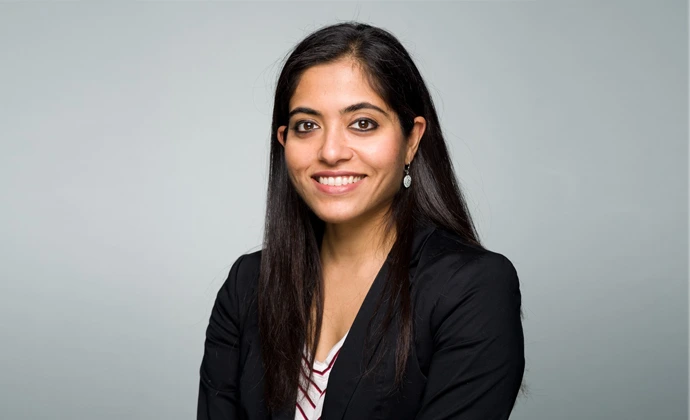
Vinda Souza
Vice President of Global Communications at Bullhorn
Contentment for Business"Dr. Marcia Goddard and the Contentment for Business Team are a force of nature on stage and off, and their session on Artificial Intelligence in Recruiting at Engage London 2018 was the highest-rated breakout session of our entire conference. With more than 1,200 attendees from all over Europe, the pressure was on Marcia to provide a compelling and thought-provoking presentation, and she succeeded brilliantly in not only commanding the audience's attention, but also simplifying intensely complex technological ideas and synthesizing them into concepts that would resonate with both academics and non-academics alike. Her warmth and approachability combined with her ferocious intelligence and commitment to research makes her presentations unmatched in their quality."
"Dr. Marcia Goddard and the Contentment for Business Team are a force of nature on stage and off, and their session on Artificial Intelligence in Recruiting at Engage London 2018 was the highest-rated breakout session of our entire conference. With more than 1,200 attendees from all over Europe, the pressure was on Marcia to provide a compelling and thought-provoking presentation, and she succeeded brilliantly in not only commanding the audience's attention, but also simplifying intensely complex technological ideas and synthesizing them into concepts that would resonate with both academics and non-academics alike. Her warmth and approachability combined with her ferocious intelligence and commitment to research makes her presentations unmatched in their quality."
Read more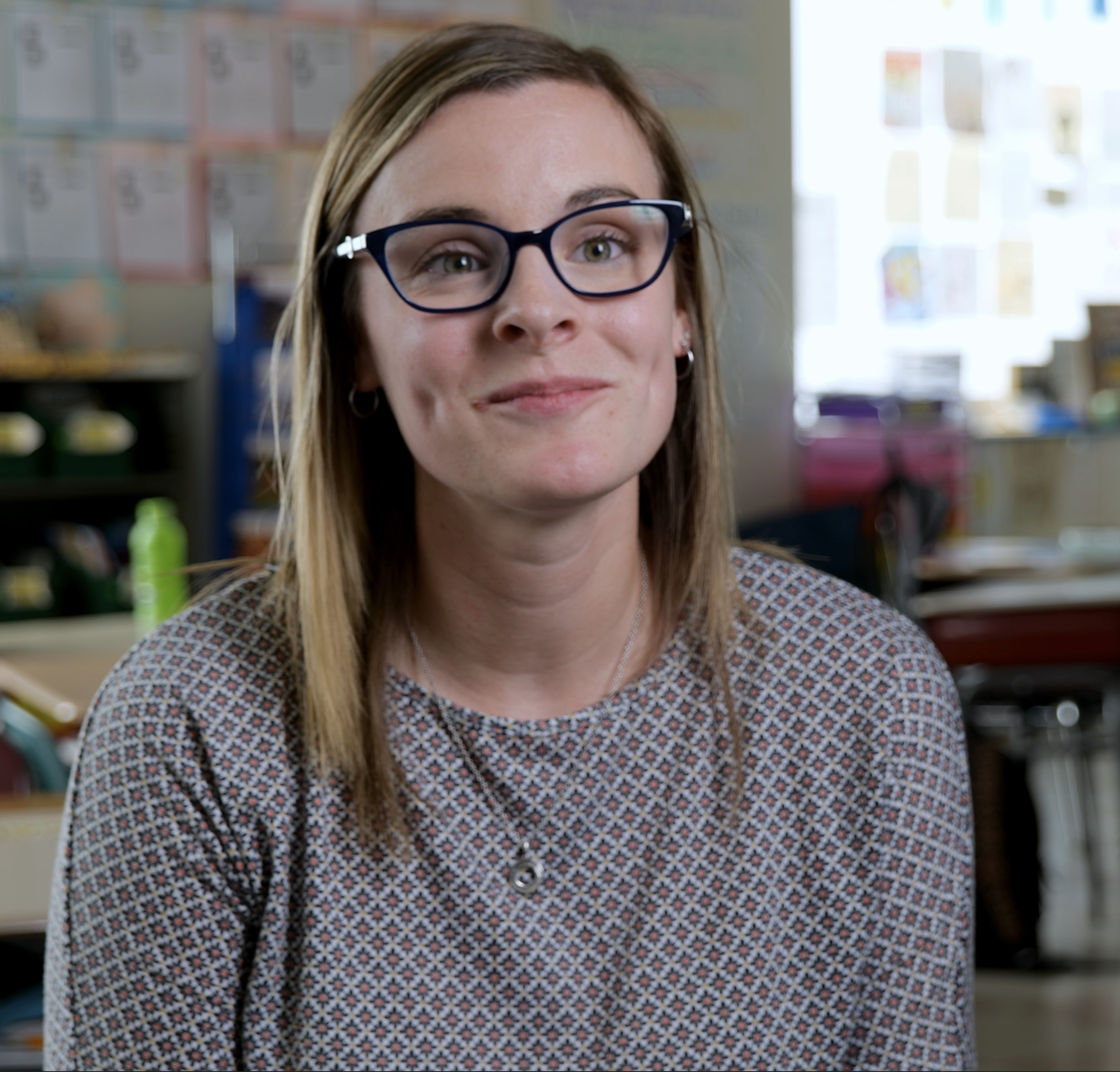
Shelby Crane
Grade 3 Teacher Henry Lord School, Fall River, Connecticut
"The original rollout last year was we focused our team on the Mindfulness Pillar. After well all completed the training, we were just amazed. We kept saying that it was like self-therapy for us. We loved it for ourselves, and it gave us strategies for when we're here at school or in our home lives. I love this program. It's been truly a game-changer for everyone, it really has. We start our day with it, start our afternoon with it, and it really sets us up for success. I've gotten a lot of academic time back without needing to handle any behavior issues. I can't thank you enough for putting this program together, beause it's been phenomenal!"
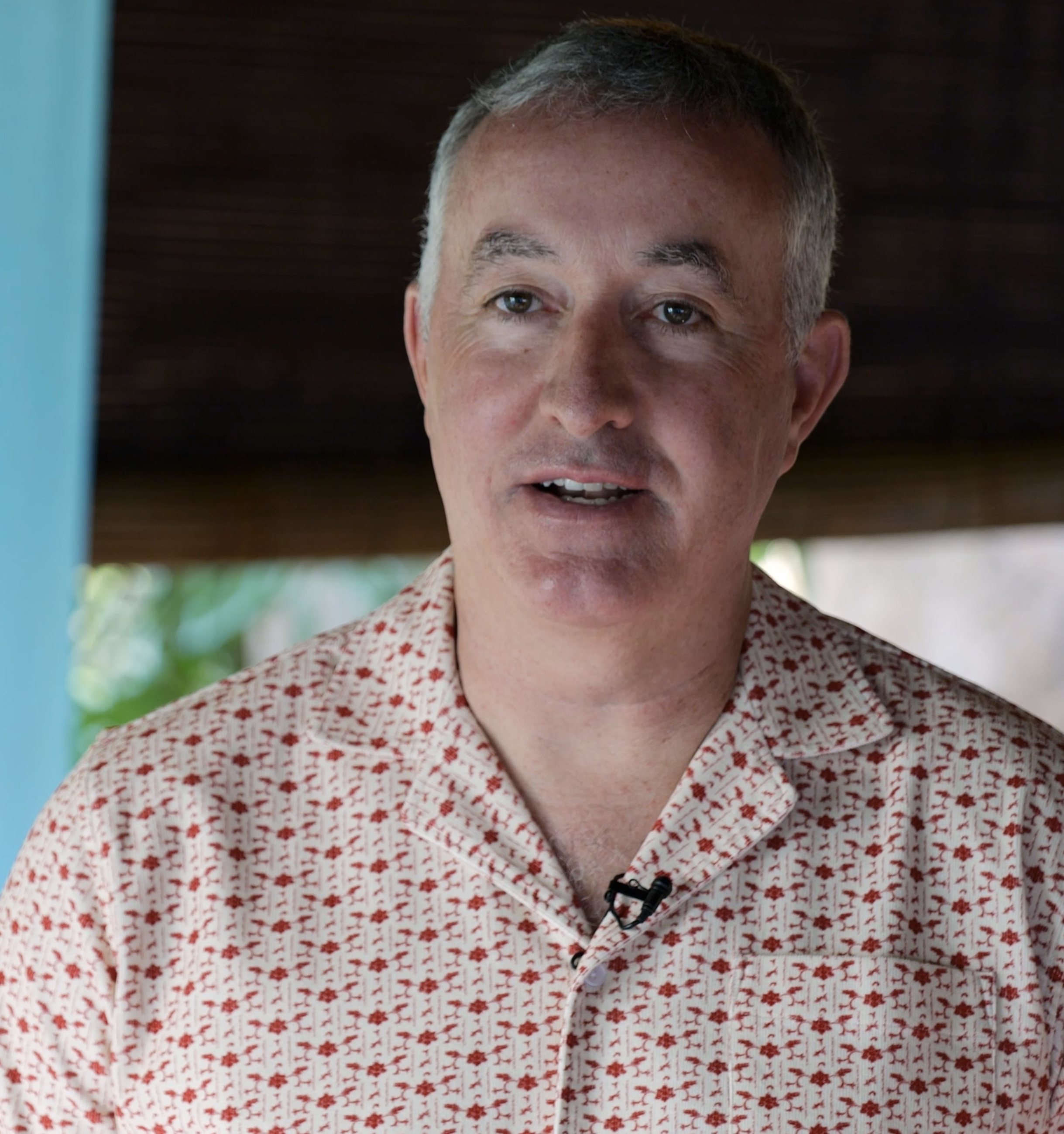
Emmet B. Keeffe III
Founder
Insight IGNITE at Insight Ventures
"This is the sixth time I've been through the curriculum, and I'm truly blown away by the impact that it has on the community here every single time. One of the things that really hit me is that to be sustainabily mentally well, you have to be in a community. There's power to being in a community. What we did over the last five days here in Bali was that we all shared with each other - what are we wrestling with? What are our biggest fears? What are our anxieties? What are we stuck on? With this community, you can really openly talk about those things, which is transformative. Really at the core of what we do is form community, so we can talk openly about what you're struggling with in any moment."
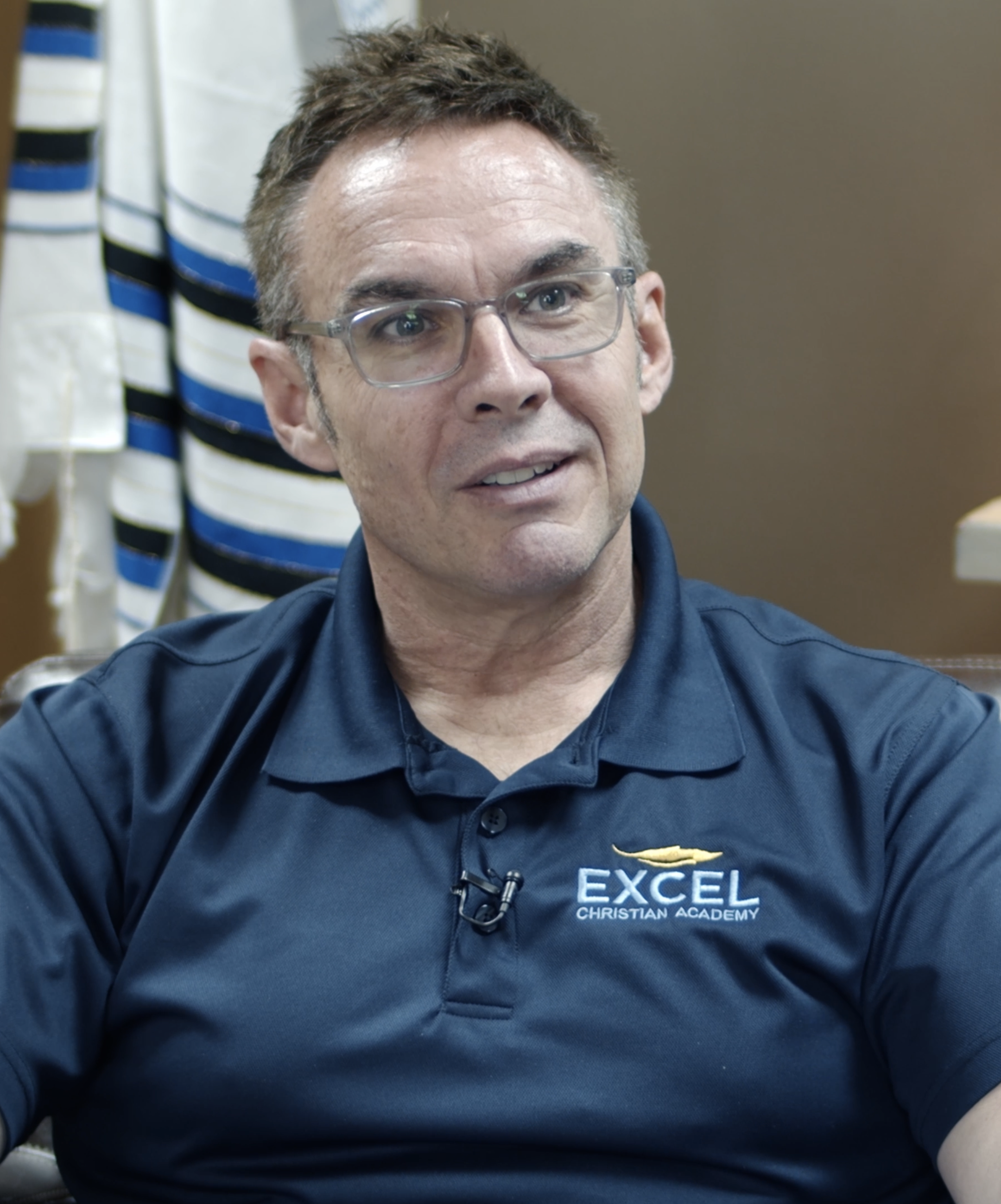
Pastor Scott Thomas
Chairman of the Board at Excel Christian Academy, Lakeland, Florida
"We began to connect the core values of our school with the values taught inside of the Contentment Foundation's program. Values such as generosity, growth, excellence, honor, diversity, creativity, gratitude. These are major pillars for what we built our school on. Our kids need to learn these if they're going to have successful futures. This is not just something that we're putting in the classroom to supplement. This becomes foundational for every arena of life."
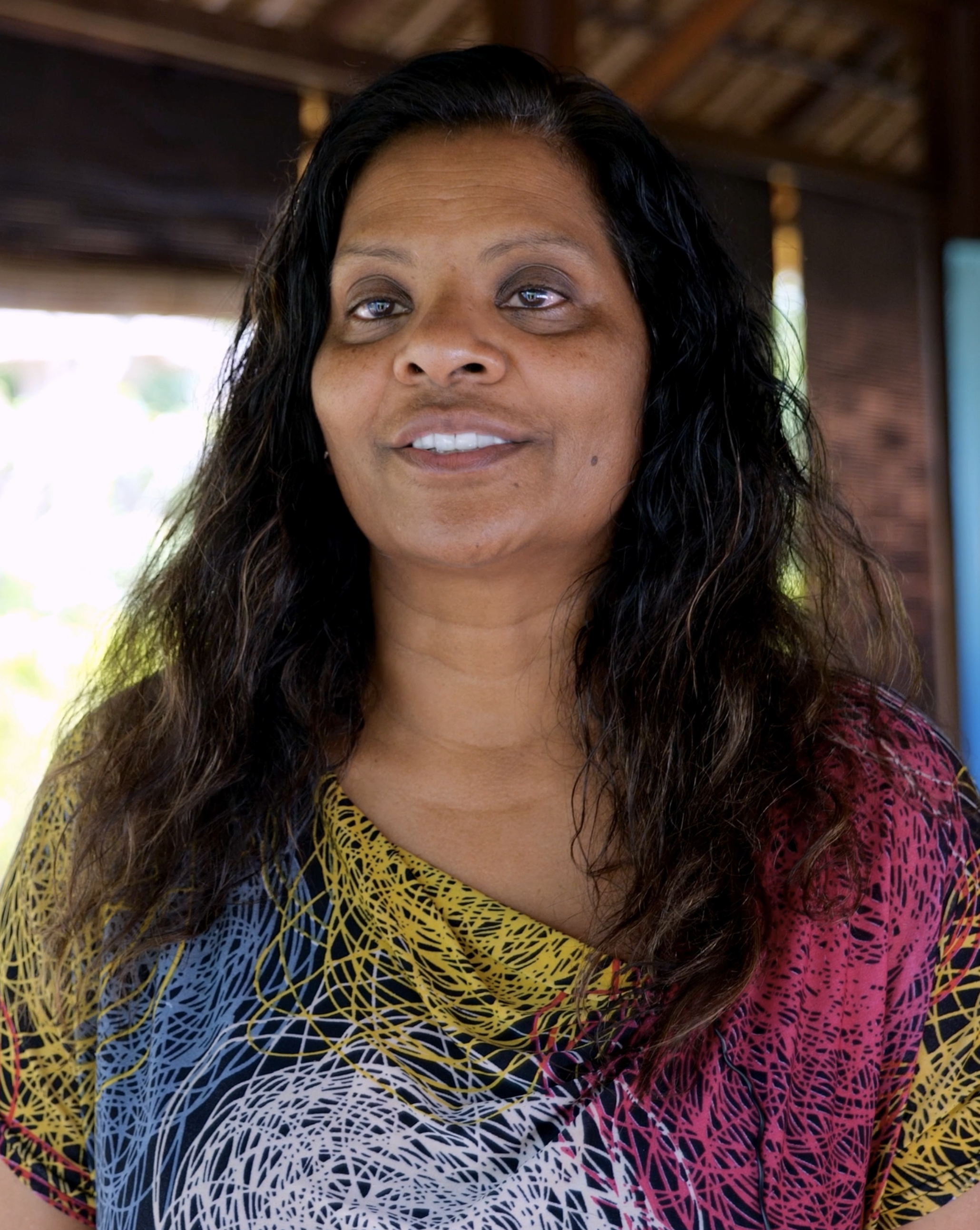
Shamla Naidoo, J.D.
Head of Cloud Strategy & Innovation at Netskope
"This retreat is unique, because I felt like it took care of my spiritual well-being, my physical well-being, my emotional well-being. And it brought together so many different characteristics and different specialties to make this a very rich, rewarding, but a complete and holistic experience. If this curriculum were offered more broadly and everyone had the same experience, it would just create more resilient, more healthy, more happy, more content humans. We need that. This work is going to just continue to accelerate and make the world a better place."
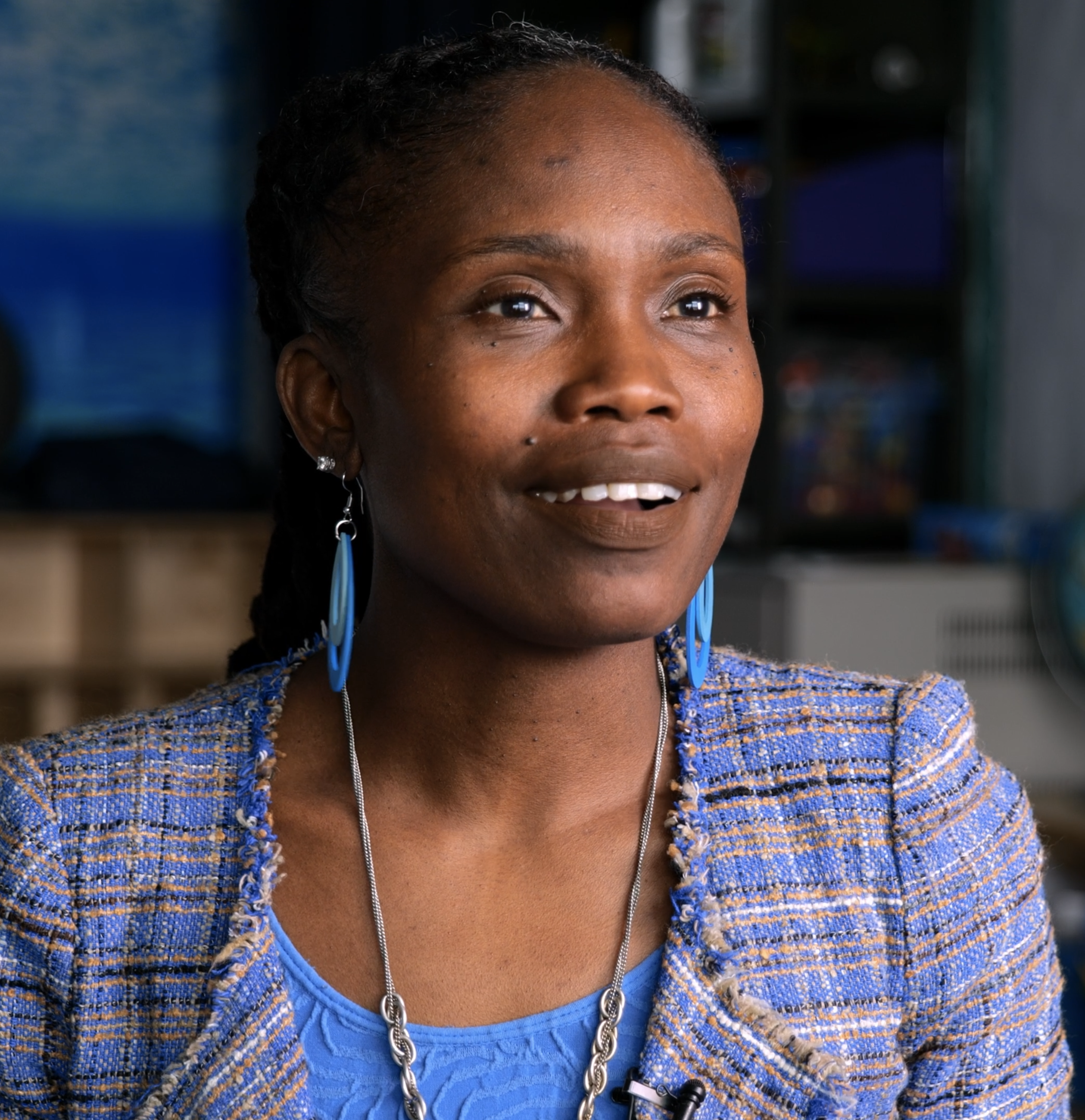
Denise Doris-Brown
School Social Worker/SEL Lead at P.S./M.S. 124, Queens, NYC
"You know, there have been students who have been down, overwhelmed, stressed, or anxious about a test, or maybe something going on in their families... The other day, a child was crying and overwhelmed. I just said "Come on, let's take a mindful breath together." You can see the difference in the child just calming down. I actually have seen this many times, where they actually just calm down. It's so important for children and for adults as well."
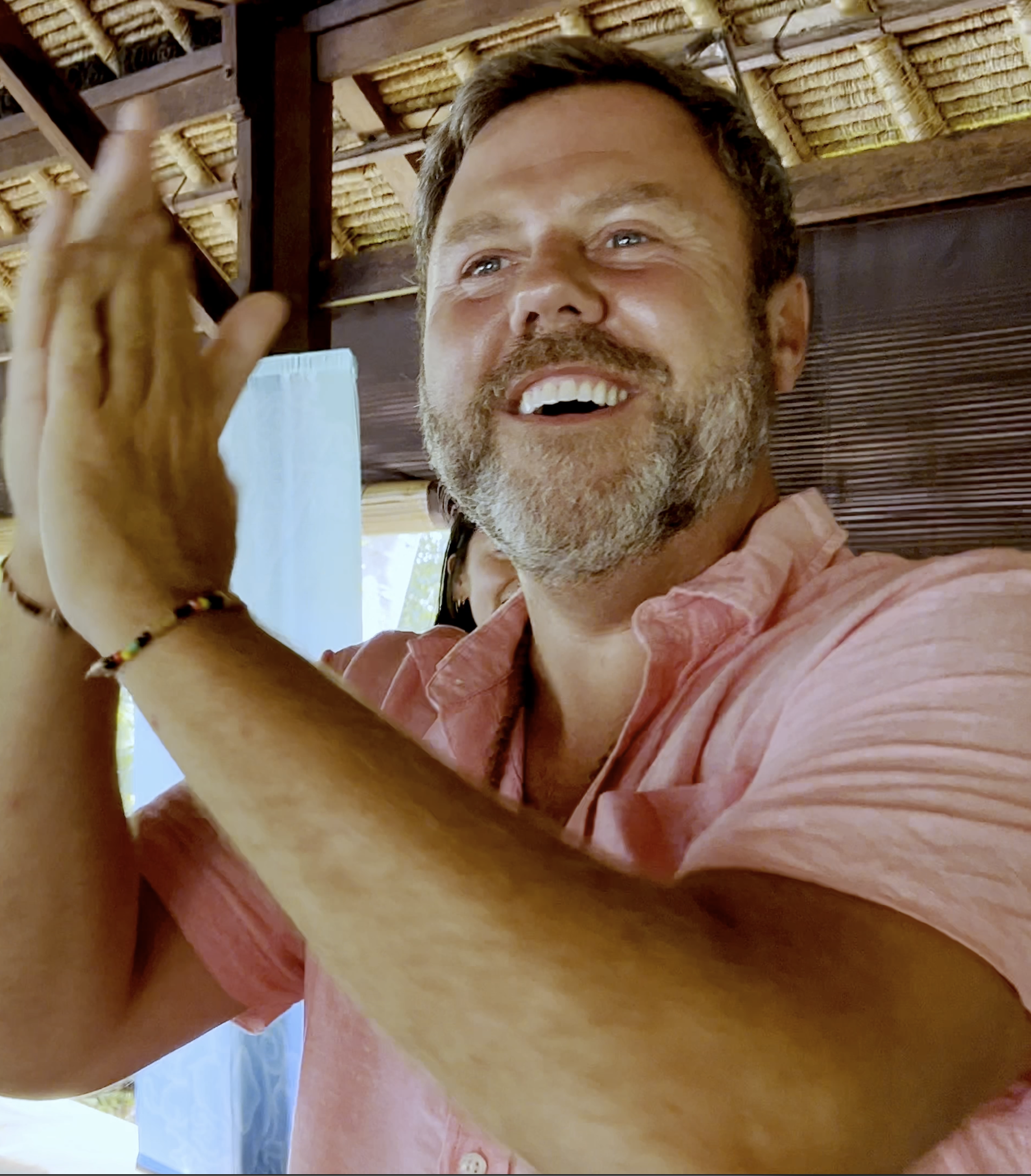
Craig McIntosh
Co-Founder & CEO at Trendi
"This is a community that I've always dreamt about being a part of. I don't have a deep family, but this week, one was created, and now I feel that I have a family for forever. If I've learned anything from this experience that it's absolutely going to take a community to fix this world. We need your superpowers. We need your brain. We need what you have. Because there's a part of this puzzle that can't do it without you. Be brave. Come through those insecurities, come around the table with us, and let's create solutions together. Every pillar of it!"